How to sync your porn bookmarks across devices
Good news: you can keep the same private collection on your phone, tablet and computer — using your own Dropbox, with no account on our side.
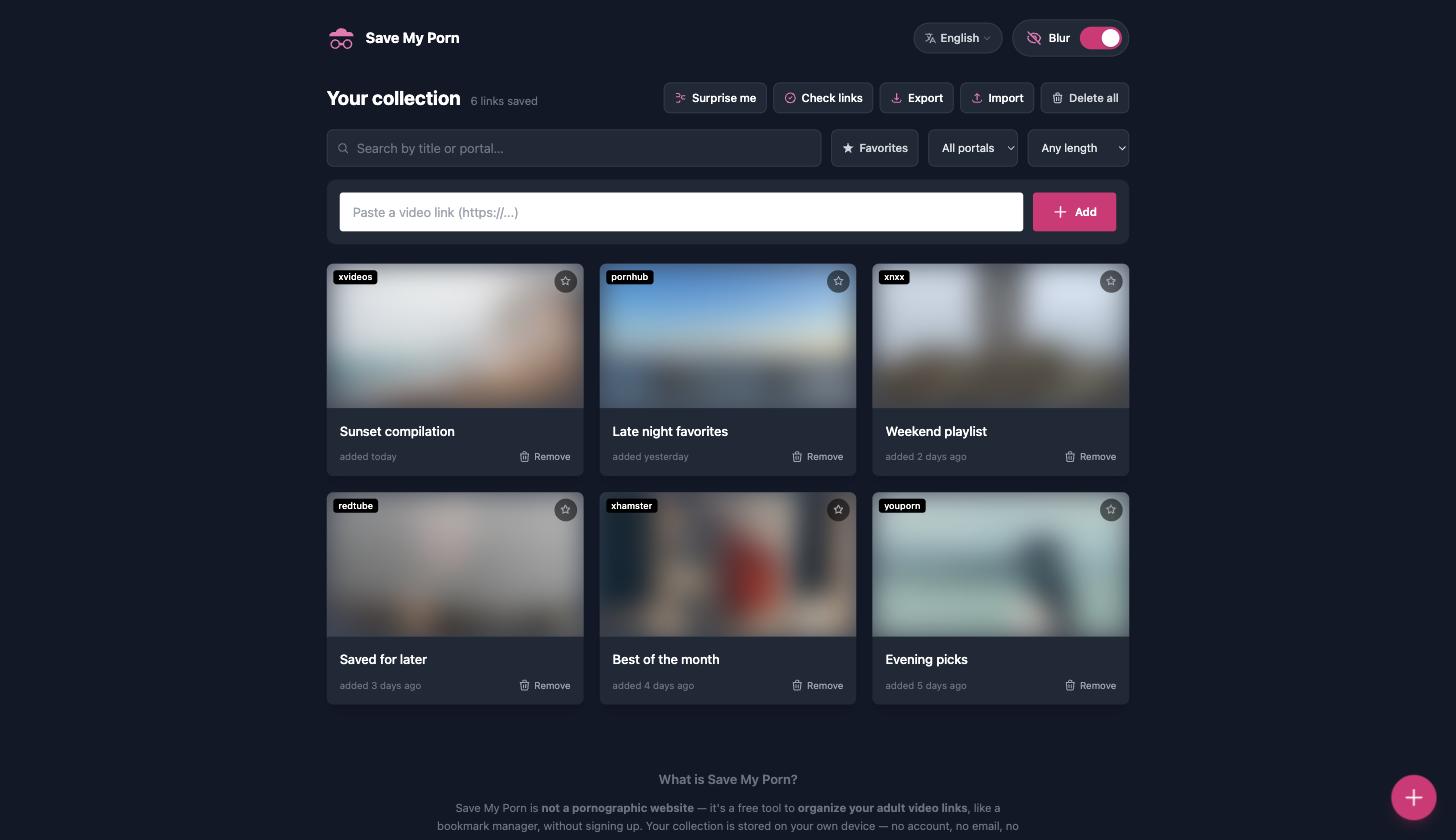
By design, your collection lives in one browser on one device — that's what keeps it private and account-free. But most people use more than one device: you find a video on your phone and want it on your laptop later, or you're setting up a new phone and don't want to lose your list. So how do you keep everything in sync without creating an account or handing your collection to a server?
The answer is your own Dropbox — and here's how it works.
Why Dropbox, and not "our" cloud
We don't run a server that stores your links — on purpose. Instead of us holding your collection, you connect your own Dropbox account, and the sync file lives in your Dropbox, in a dedicated app folder. We never see it. There's still no account on our side, no email, no profile — the only account involved is the Dropbox one you already own.
How to sync across devices, step by step
- On your first device, open Save My Porn and connect your Dropbox (via Export or Import → "Dropbox"). Your collection is saved to your own Dropbox app folder.
- On your second device, open Save My Porn and connect the same Dropbox. Choose Import → "From Dropbox" to pull the collection in. New links merge with whatever is already there — nothing is lost.
- From then on, your links stay in sync across every device connected to that Dropbox. Add a video on your phone, and it's there on your laptop too.
Is it private?
The sync file is stored only in your own Dropbox, and it's scrambled so it isn't readable at a glance — you won't see your links as plain text if you open the file. Be clear-eyed about what that is, though: it's light obfuscation to keep casual eyes out, not strong, password-based encryption. It's enough to keep your list from being obvious to someone glancing at your Dropbox, but don't treat it as bulletproof security. The real privacy win is structural: there's no account with us and no copy of your collection on our servers.
No Dropbox? Use a file instead
You don't need Dropbox to move your collection. You can also export a backup file on one device and import it on another — the same merge behaviour, entirely offline and in your control. Dropbox just automates the round trip so you don't have to move files by hand.
The bottom line
To use the same collection on all your devices, connect your own Dropbox — your links sync through your account, not ours, with no server-side copy on our side. Prefer to stay fully offline? Export and import a backup file instead. Set it up in Save My Porn — free, no account with us.
Save My Porn is a link organizer, not a pornographic website. It hosts and streams no video and downloads nothing; it only stores links to videos on third-party platforms, saved locally in your own browser (and, if you choose, in your own Dropbox). For adults (18+) only.